
Matt
Administrator
-
Joined
-
Last visited
Everything posted by Matt
-
Amber PreShow Skin in Kodi 20 View File This is a modified version of Amber for use with PreShow Experience Submitter Matt Submitted 12/11/2023 Category Skins
-
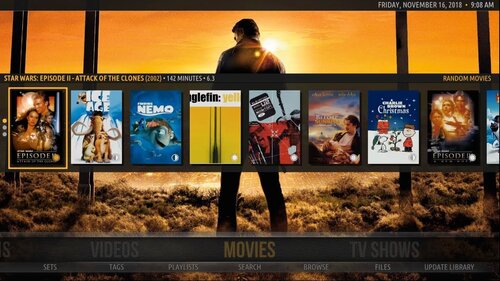 This is a modified version of Amber for use with PreShow Experience
 -
Oh, hi Mark! I tried to download Copacetic from this link, but it didn't work. Do you know if there is a different link for it, other than downloading the repo? It is possible with some skins to add a button for PreShow, or you can launch it from the context menu. It can't be automatically launched in place of just a movie though.
-
The new Slideshow module can now be used to add images to your preshow.
-
 Module Settings Note that all slideshows need to be in a sub-folder in the Slideshow content folder. Order - Alphabetical or random. If a directory isn't selected with the option below, alphabetical folder-filename for order. Select Slideshow Directory Default - randomly select images from all the folders in your Slideshow content folder. Directory - Reveals Directory (in slideshow folder) below. Directory (in Slideshow folder) - Select the Slideshow folder in your content settings that you want the sequence to pull from. The sequence will only select files from this folder. It currently allows you to select any folder. If you select a folder that's outside of your Slideshow folder the sequence will not play trivia. Duration - Set the max duration you would like your slideshows to run. Note that your slideshow will stop after all images have been displayed, even if this time has not been exceeded Question duration- Set how long you would like your images to be on screen. Transition - Transition between slides. Options include fade, slide up, slide down, slide right and slide left. Transition duration (milliseconds) - Set the transition time between slides. Music Music - Select your music source if you want to play music during your slideshow. Options include: None - No music will be played Content - This will play from the music folder in your PreShow content folder. Directory - This will play from the folder selected below in Music: Path. File - This will play the track selected below in Music: File. Music: Path - Select a folder that contains your music that can be anywhere. Music: File - Select a single file to play with your music.
 -
I know that this isn't relevant any more for this topic, and I still don't recommend them, but tiff files should be usable in the next version of PreShow.
-
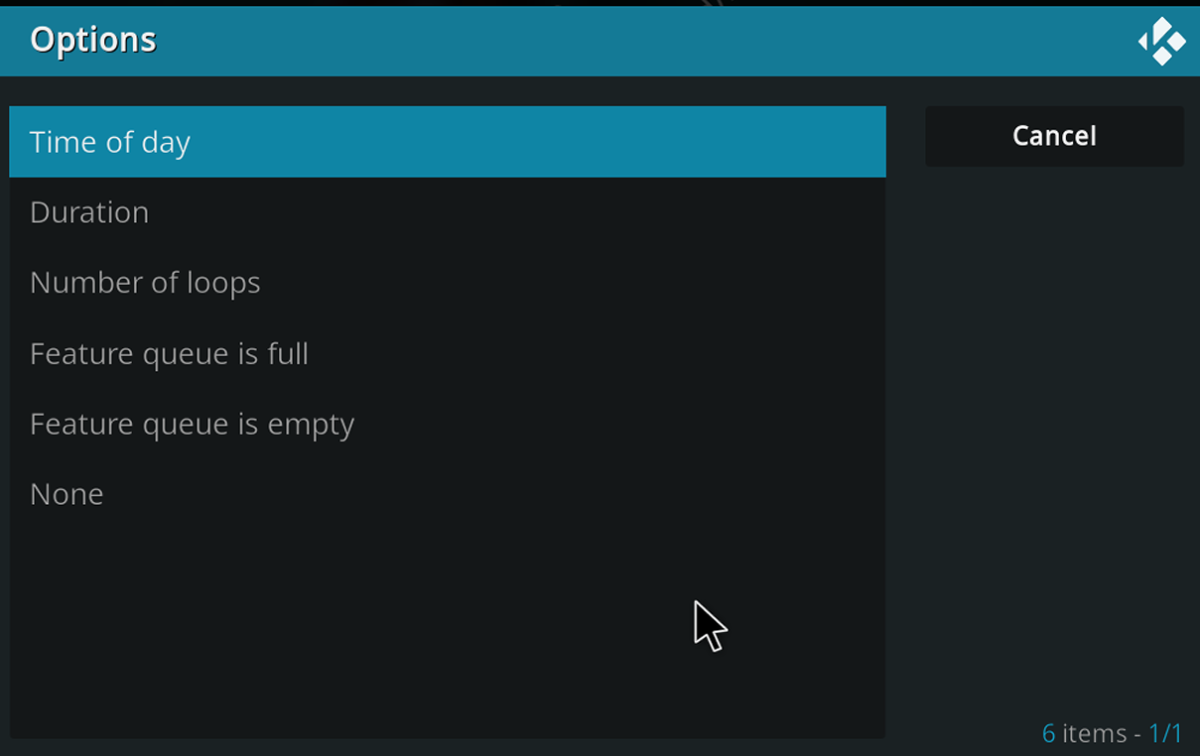
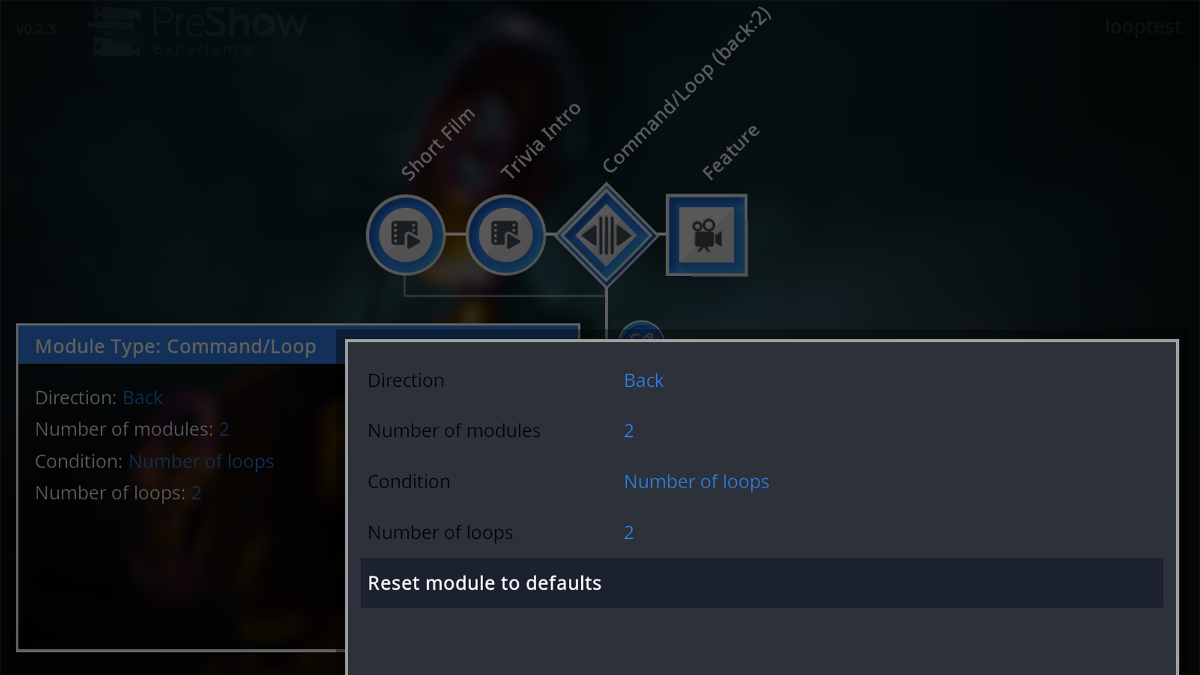
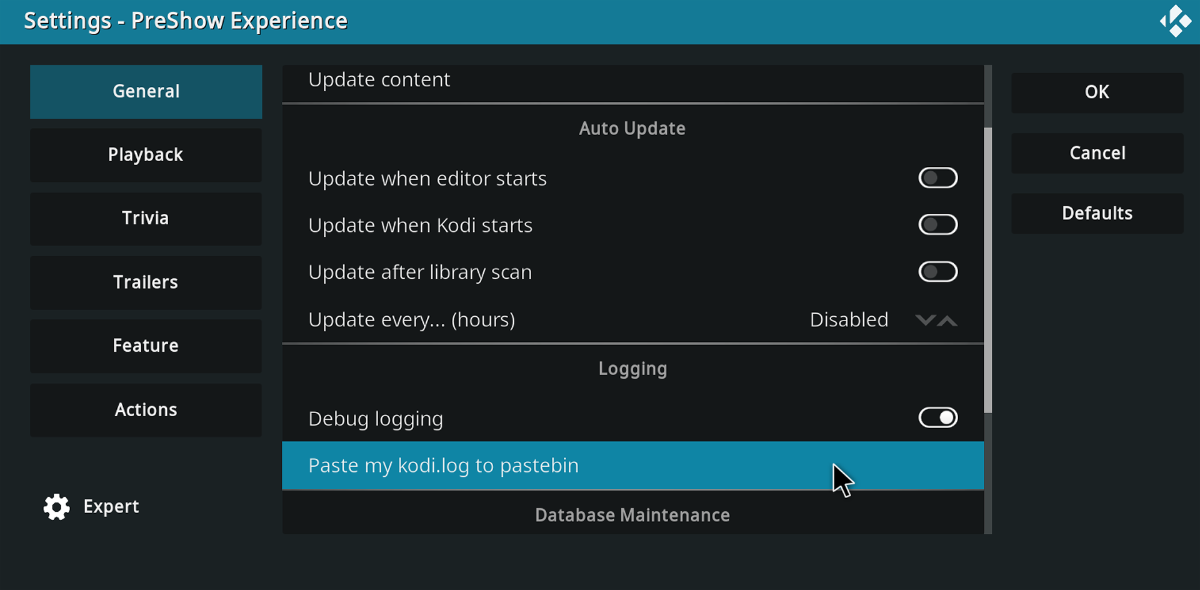
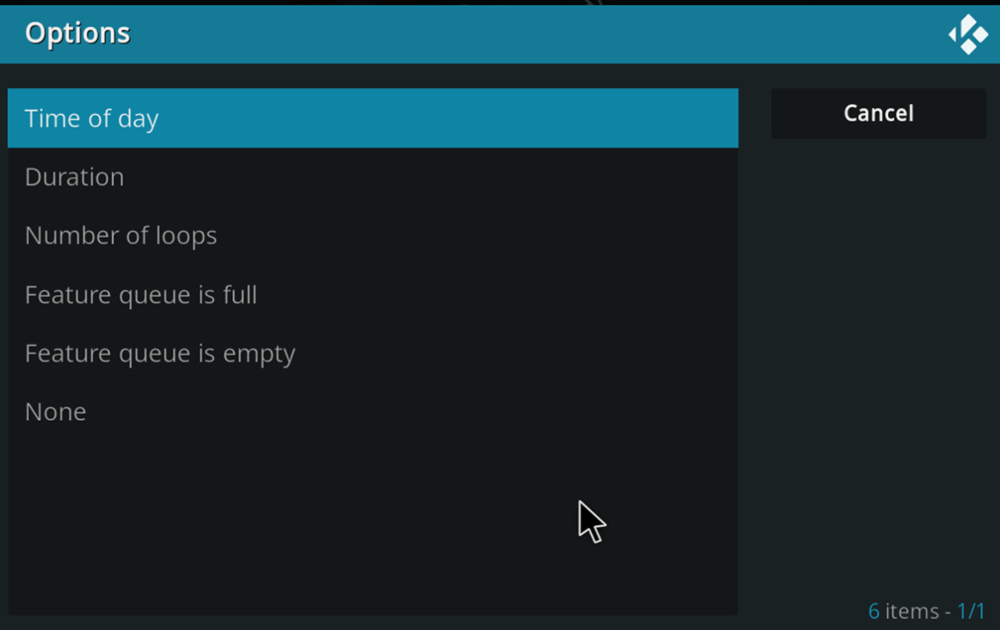
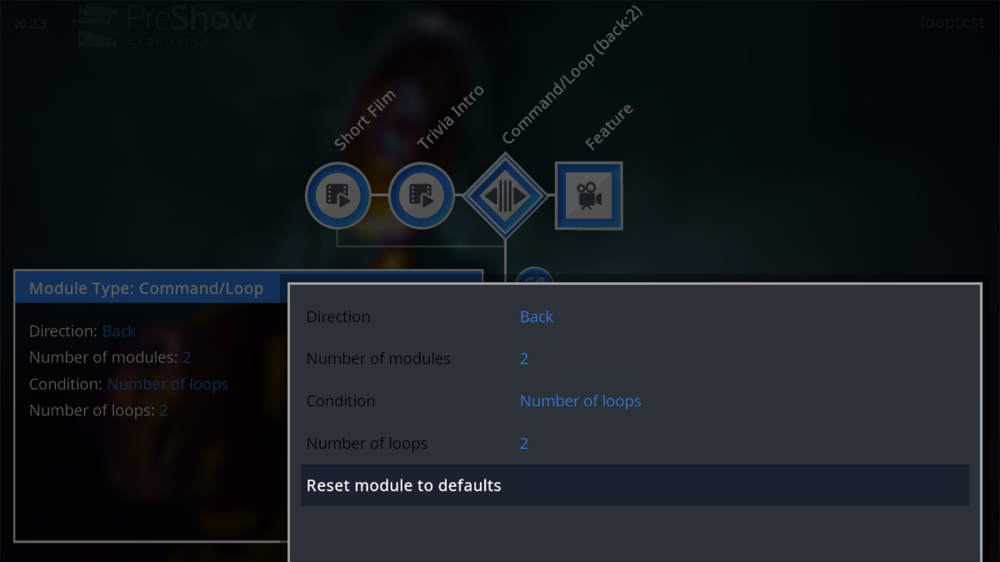
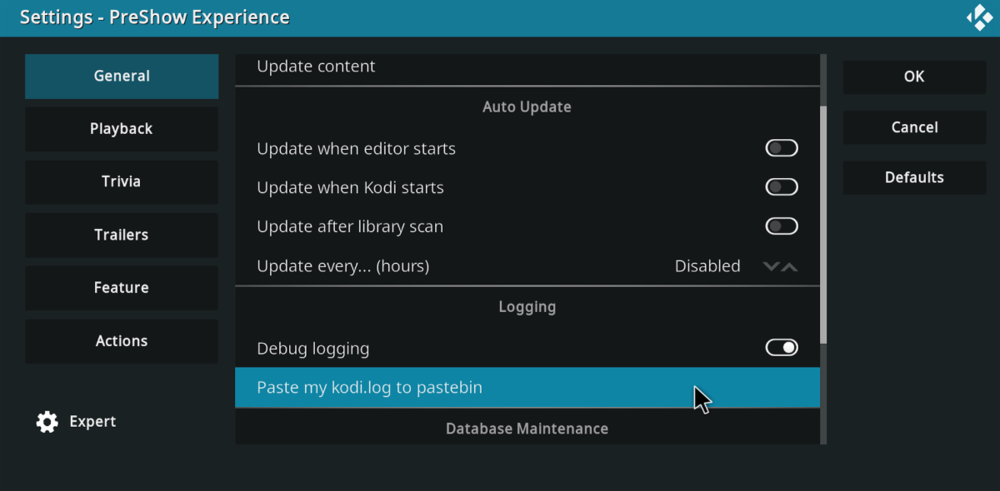
PreShow 0.2.3 is now available for download. The changelog includes: - add: Added pastebin log posting - add: Added new options for the command module, including number of loops, duration and time of day - fix: Added genres, rating and resolution data for imdb trailers (Note this takes while to retrieve the trailer information) - fix: Updated code to make sequences filter by date properly - fix: Modified code to make linked python scripts work in action files If you have an issue, you can now post your log directly into pastebin from the settings. You can open a QR code to get the link on your phone. The command/loop module now has multiple options to control the loop, so that you can more accurately create longer preshows.
-
View File IMAX 2015 Submitter Matt Submitted 11/27/2023 Category Company
-
-
View File IMAX 2009 Submitter Matt Submitted 11/27/2023 Category Company
-
-
View File IMAX Countdown - Sonic Anthem Submitter Matt Submitted 11/27/2023 Category Countdown
-
-
View File IMAX Cliffhanger Submitter Matt Submitted 11/27/2023 Category Company
-
-
View File Countdown to IMAX Submitter Matt Submitted 11/27/2023 Category Countdown
-
-
View File IMAX Countdown - Fast & Furious Submitter Matt Submitted 11/27/2023 Category Countdown
-
-
View File IMAX Countdown - Godzilla Submitter Matt Submitted 11/27/2023 Category Countdown
-
-
View File IMAX Countdown - Suicide Squad Here is a 16x9 presentation of the IMAX Countdown to Suicide Squad with 5.1 audio. Submitter Matt Submitted 11/27/2023 Category Countdown
-
 Here is a 16x9 presentation of the IMAX Countdown to Suicide Squad with 5.1 audio.
 -
I have a slideshow option in an upcoming version that will allow you to easily show stills. In the mean time, you can create a folder for it within the your PreShow Trivia folder, put your images there and then select the folder in your sequence editor to show the images.
-
What is your sound mode on the sound bar? Try is at standard if it is set to something else. If that doesn't work, try hooking up your player to your TV and then have that plug into the sound bar.