
PosterFlow is now available — cinema poster display software for home theater setups
- Replies 1
- Views 877
- Created
- Last Reply
Top Posters In This Topic
-
Matt 1 post
Popular Days
Posted Images
Featured Replies
Topics
-
Grab the popcorn. Dim the lights. The first teaser for the all-new PreShow Experience 1.0 has arrived. The teaser is a screen recording shown at 3× speed to provide a quick look at what the new PreShow can create. PreShow Experience has been rebuilt from the ground up with one main goal: make it easier to create and enjoy a personalized theater experience while improving the advanced capabilities longtime users want. This is more than a visual refresh. The new version introduces: A guided setup
-
Curious if there’s a way to program a sequence action or other method to advance to the next item based on a specific clock time. Here’s the scenario I run into: we program outdoor movies in our park, and the schedule needs to be pretty precise. We typically run a 30-minute block of trivia while people get situated, followed by a 9-minute theater intro, with the feature film starting right at 8:00 PM. That means I need to start the sequence at exactly 7:21 PM to keep everything on schedule. The
-
Bug Report preShow Experience Version: 0.3.2.1 Module: Trivia Severity: High — potential loss of unsaved sequence changes Summary The Preview feature is very useful because it allows individual modules to be tested without having to run through the entire sequence. For most modules, pressing ESC while previewing exits the preview and returns to the Sequencer as expected. However, the Trivia module behaves differently. When Trivia is launched using Preview and ESC is pressed to exit, preShow Expe
-
Movie Poster App -modded- Modified Movie Poster App This is a modified version of the movie poster app from Great Dane Cinema. Modified to work with Preshow experience to show the preshow logos during your sequence. This is temporary solution until the Great Dane Cinema Can be requested to make the necessary changes to the program .. *Notes* Youtube dl files have been updated as of 1-11-25 for Preview Trailers to work Some other modifications Icons Ect. for my preferences were added for my
-
IMAX Countdown RGB Laser Edition I color graded the IMAX Sonic Anthem Countdown and IMAX Enhanced Bumper in DaVinci Resolve and added a few new VFX to spice it up as a showcase for RGB Triple Laser Projectors. File Information Submitter badpuppy3 Submitted 08/06/2026 Category Countdown View File


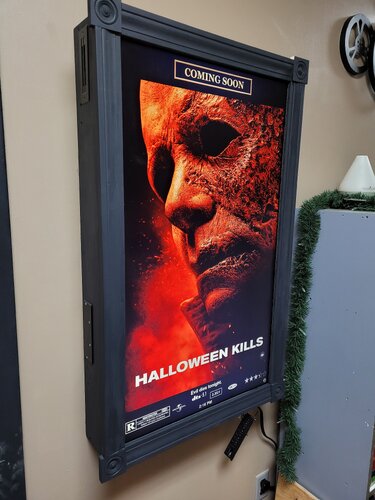



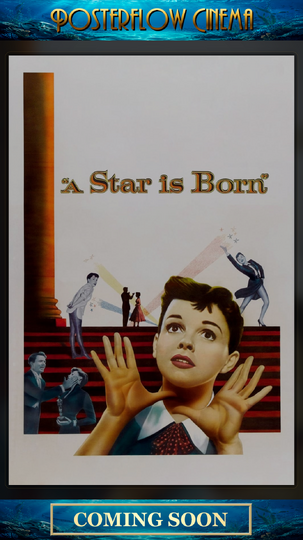
Hey everyone,
I wanted to share an updated introduction to something I’ve been building called PosterFlow.
PosterFlow started as a personal home theater project. I wanted a cleaner way to manage digital poster screens without constantly juggling folders, images, slideshow tools, display windows, schedules, and manual updates. The goal was to make poster displays feel more like part of a real cinema/preshow setup instead of just a rotating image folder.
PosterFlow is a Windows desktop app with an Admin console and display client for managing poster artwork, collections, schedules, and live display output.
Some of the current features include:
Local and network display clients
Poster library scanning and collection management
Push Live workflow for sending the current layout to a display
Per-display personalization
Built-in poster transitions
Scheduling and movie-event support
Optional provider/reference plugin support, including TMDB and FanartTV-style workflows
Metadata plugin support for sources like NFO, Kodi, and Plex
Early access activation and download delivery
The idea is that you can build and manage poster collections from one place, preview how they’ll look, and then push them out to a poster screen, lobby display, or remote display client when you’re ready.
I’ve also adjusted the project so it is presented more as a donation/support-based early access project rather than a traditional “buy this product” sales pitch. I’m mainly hoping to get real feedback from home theater and preshow users who run dedicated poster screens, lobby displays, or multi-monitor cinema setups.
Website:
https://posterflow.net
For anyone from the Preshow Experience community who wants to support the project, I’m considering offering a small supporter promo code as a thank-you. Use code PRESHOW20 if you’d like to support PosterFlow during early access.
I’ll be adding more walkthroughs and setup videos as the project matures, but I wanted to share it here because this community is probably one of the better fits for the kind of setup PosterFlow is meant to support.
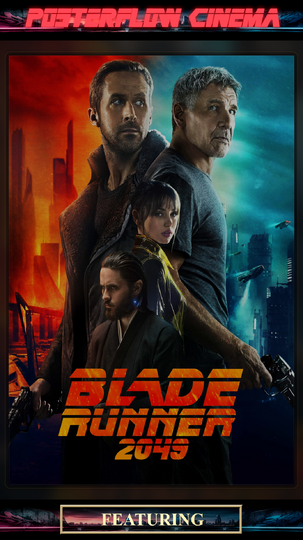
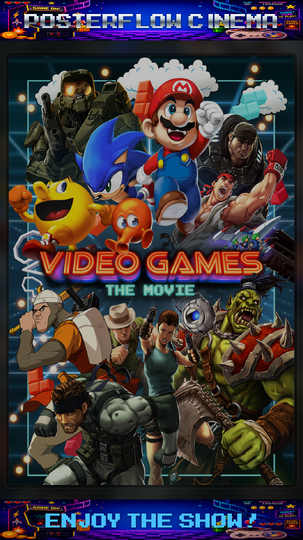
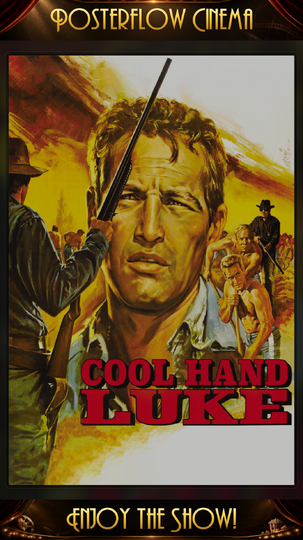
Screenshots attached below.
Thanks for checking it out. Feedback, suggestions, bug reports, and feature ideas are very welcome.
Edited by shredder5262