All Activity
- Past hour
-
code101 joined the community
- Today
-
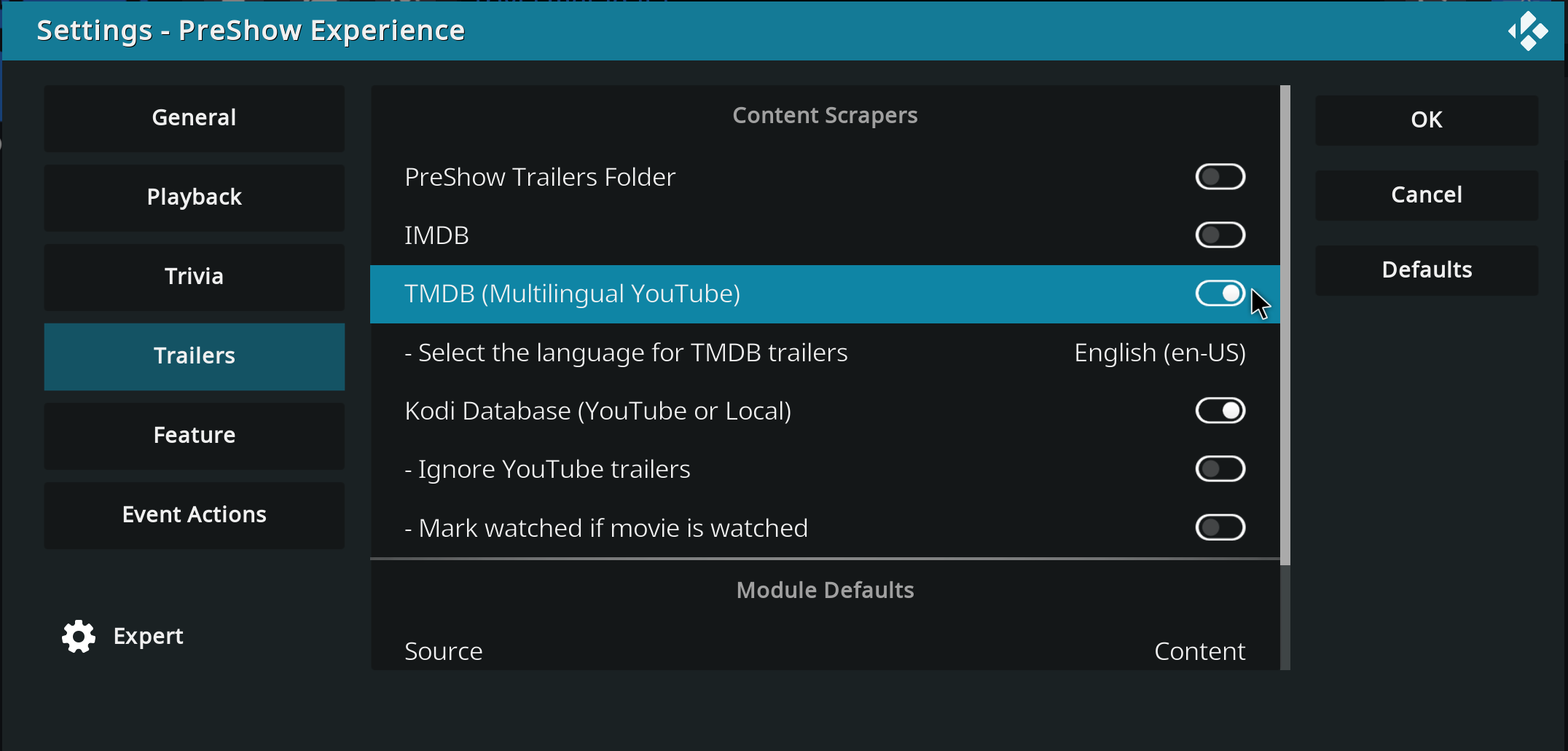
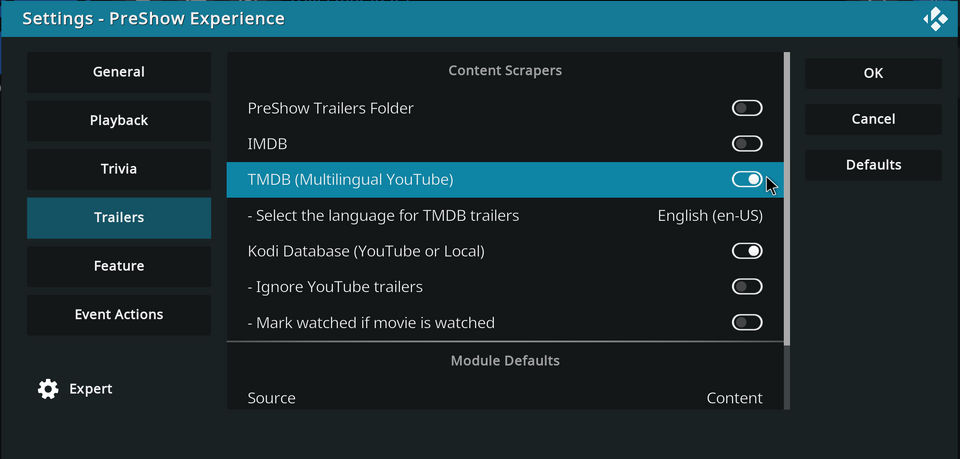
Has the scraper been disabled in settings?
- Yesterday
-
Greg2121 joined the community
-
RRR joined the community
-
Rumbel joined the community
-
demosad123 joined the community
- Last week
-
Lyon joined the community
-
Trymz joined the community
-
cowmix joined the community
-
Hi, how are you? Thanks for the reply. I'm using version 0.3.2.1. I tested the scrapers, but The Movie Database appears disabled and there's no way to activate it. I find it strange because it worked perfectly until last week.
- Earlier
-
What version of PreShow are you using? Have you tried the different trailer scrapers individually? Are you updating your content?
-
This is looking really good. Great job.
-
Hello, I hope you're all well... Until yesterday, my trailers in the pre-show were working normally... I have it configured to show trailers for movies I don't own, with the intention of discovering new things. But today it stopped working; it only pulls trailers for movies I have in the database, and if I disable the Kodi database option, it doesn't play any trailers at all, it just stays stuck on a black screen. Does anyone have any idea how I can solve this problem? Thank you in advance.
-
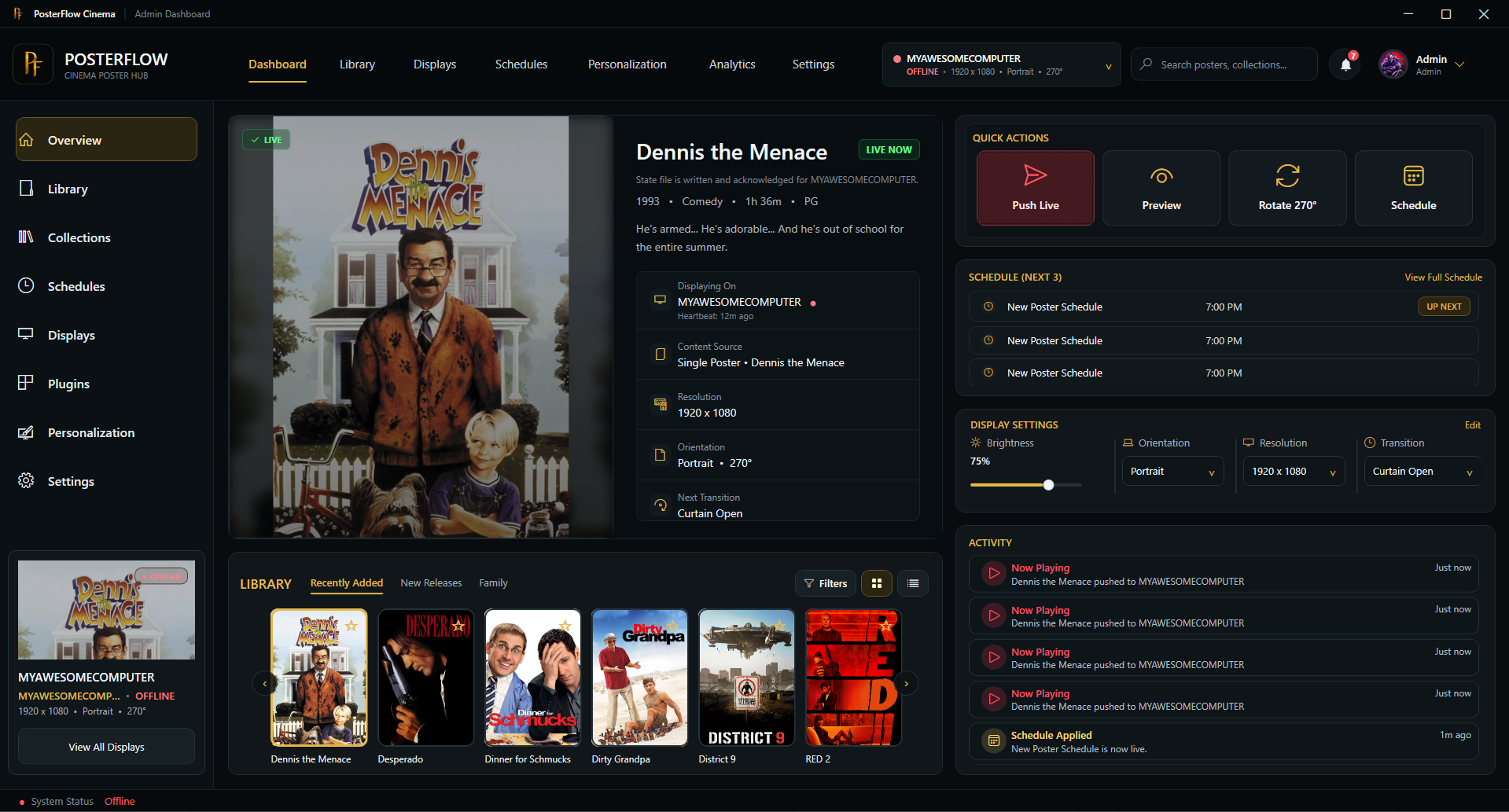
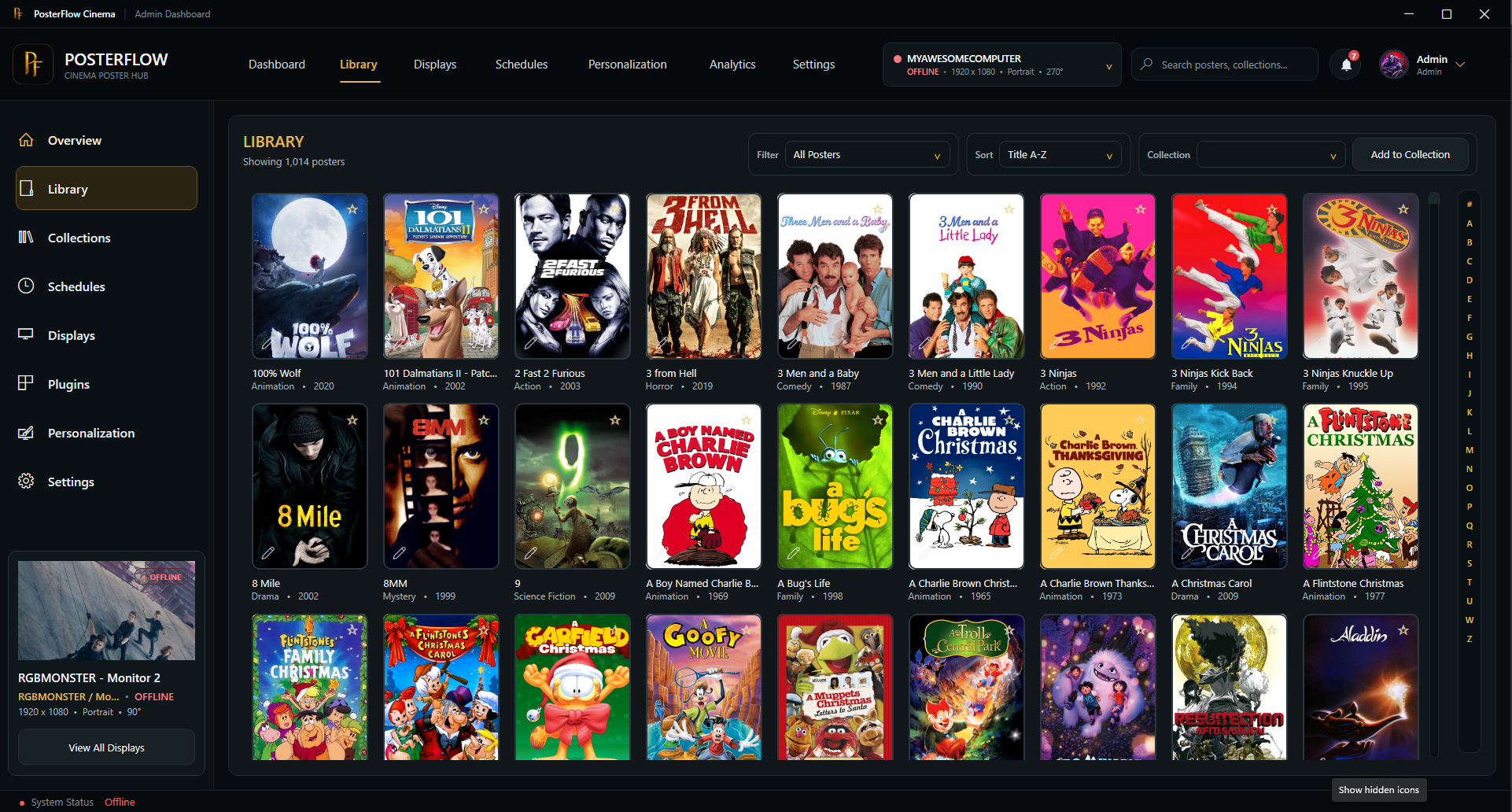
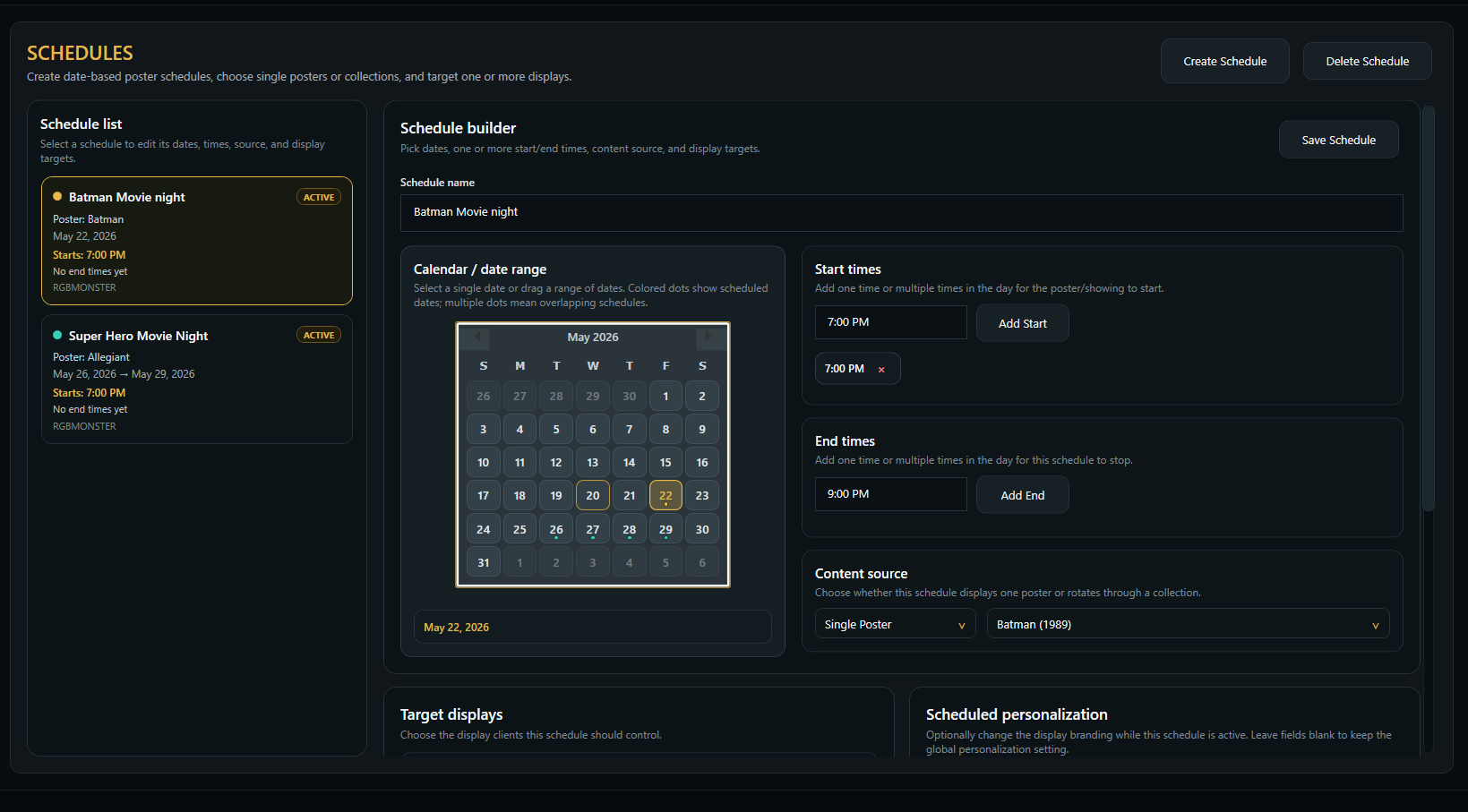
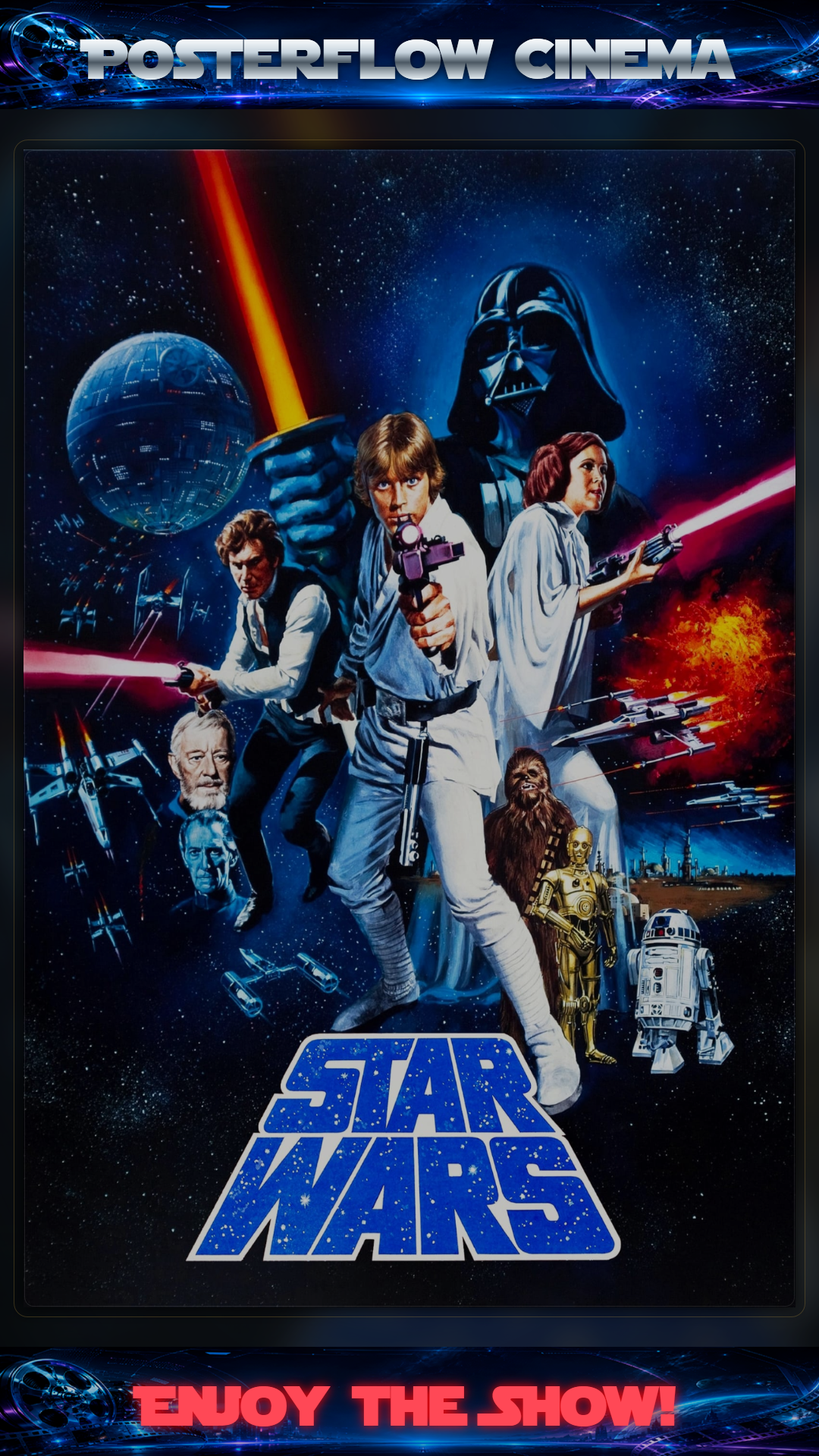
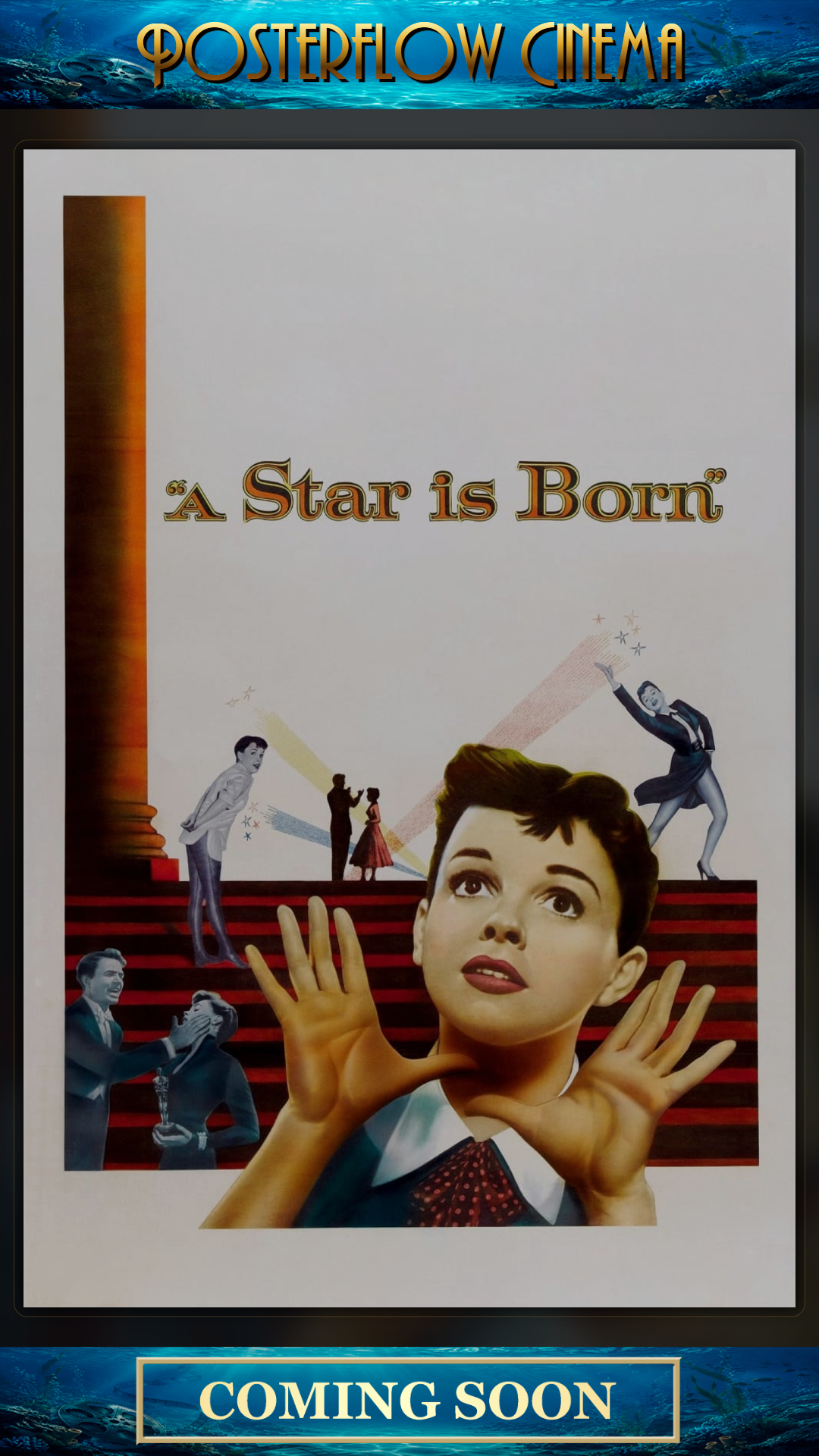
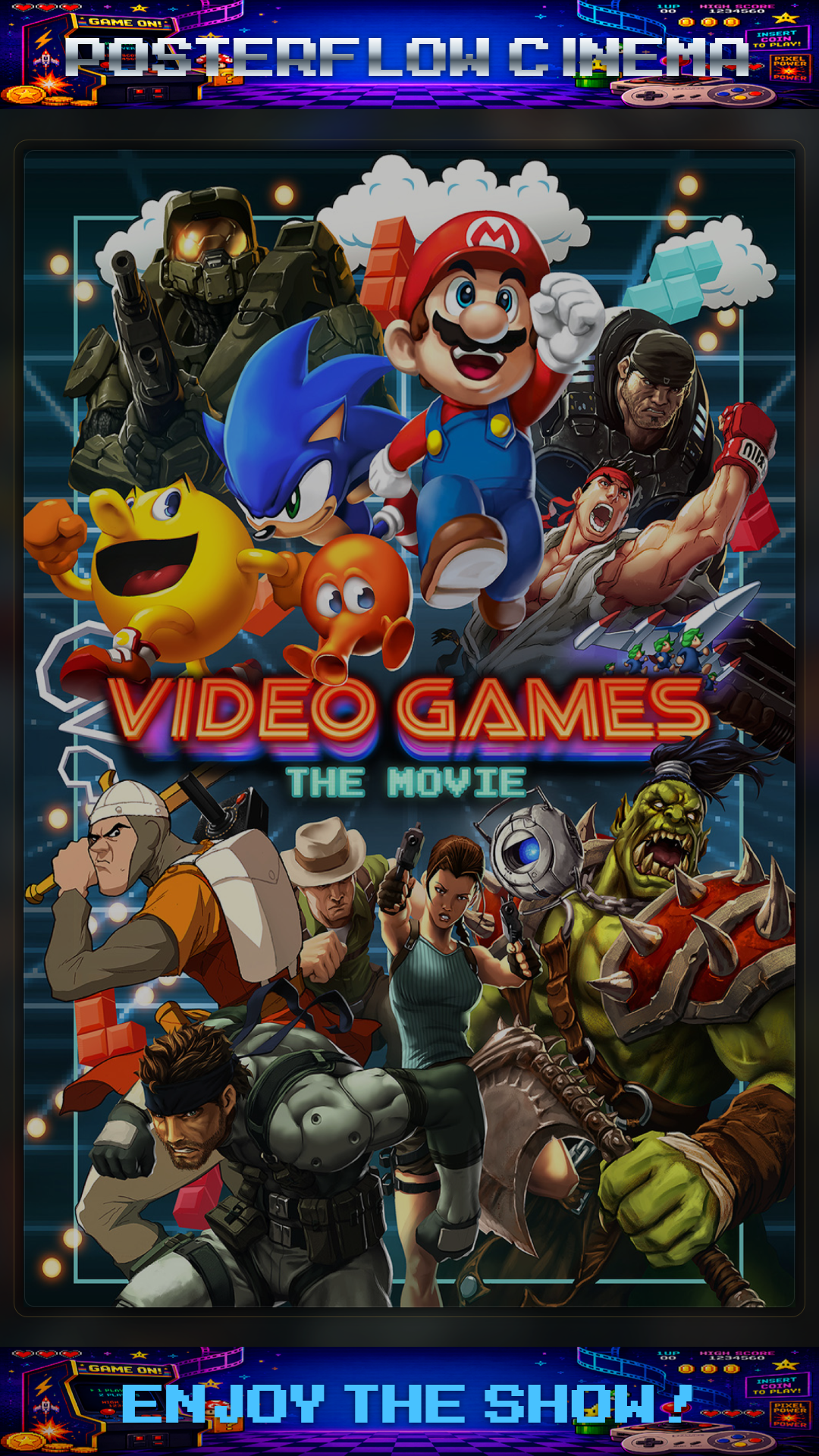
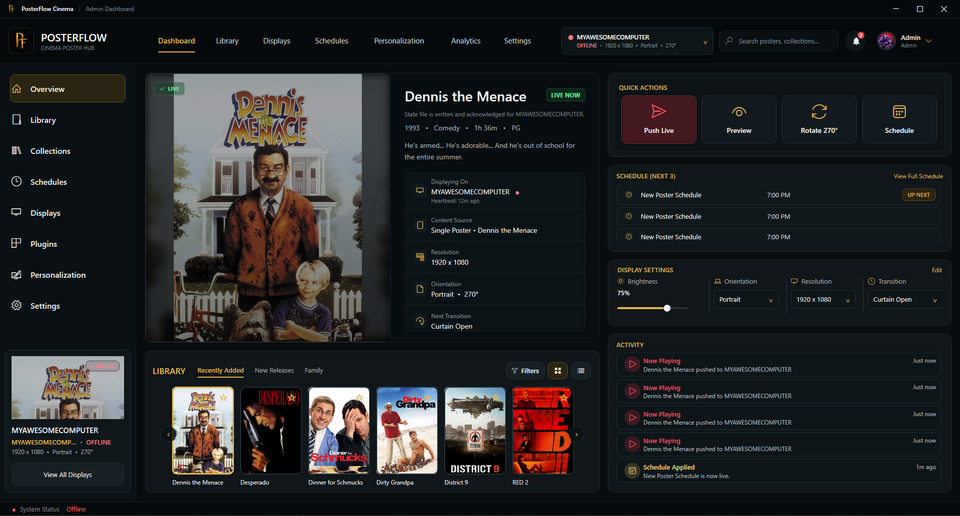
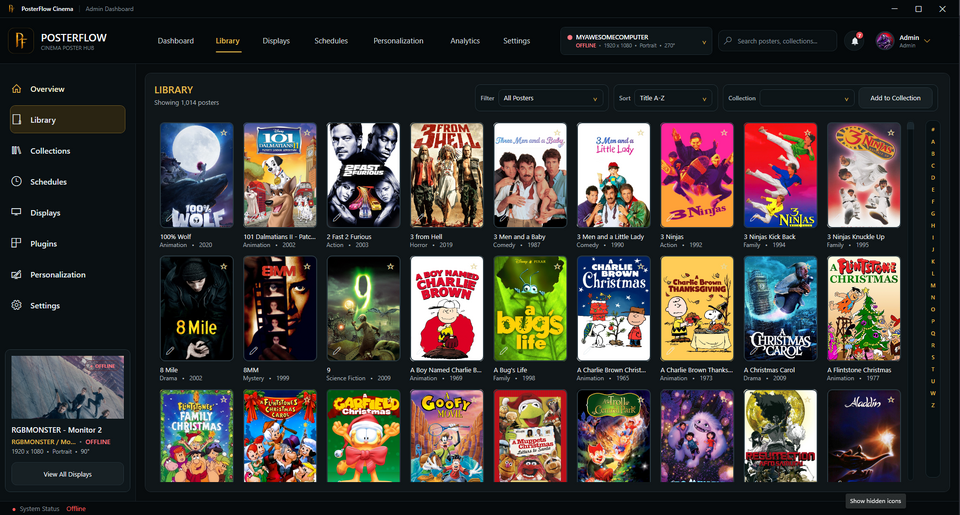
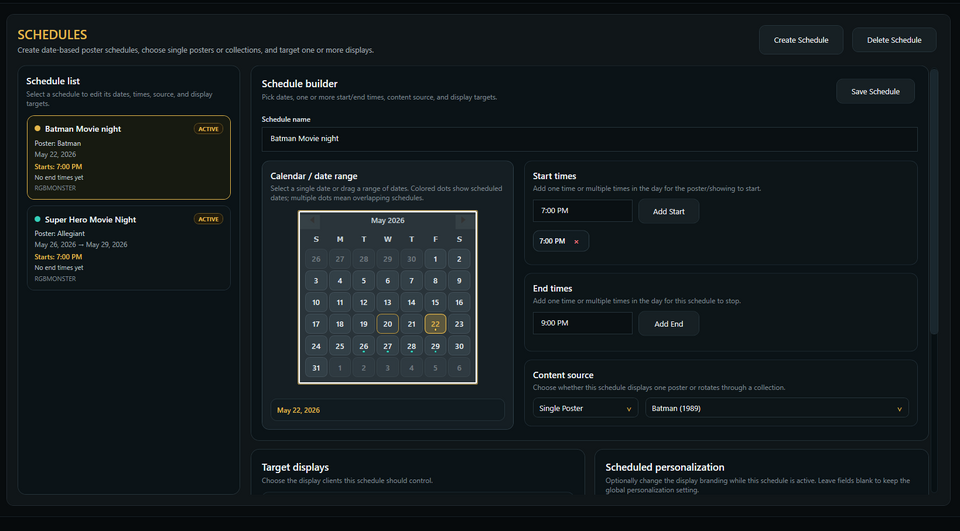
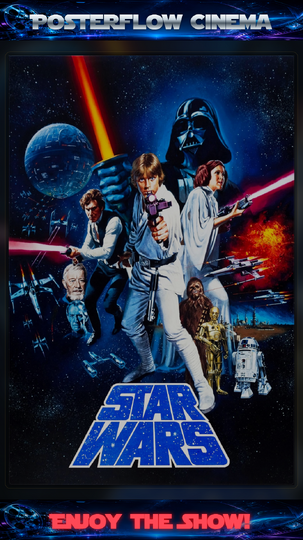
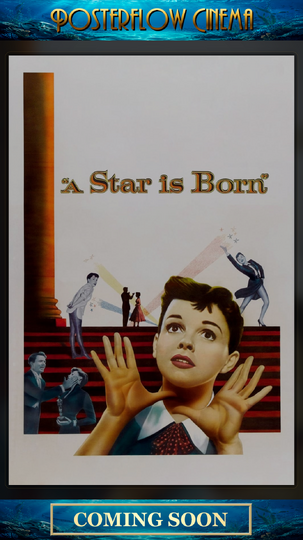
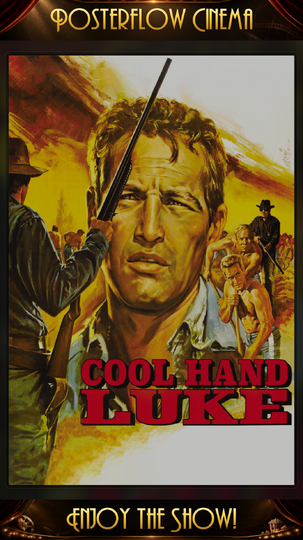
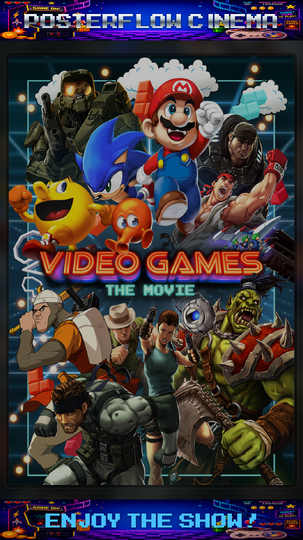
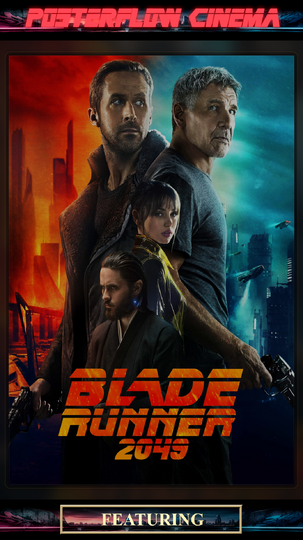
Hey everyone, I wanted to share an updated introduction to something I’ve been building called PosterFlow. PosterFlow started as a personal home theater project. I wanted a cleaner way to manage digital poster screens without constantly juggling folders, images, slideshow tools, display windows, schedules, and manual updates. The goal was to make poster displays feel more like part of a real cinema/preshow setup instead of just a rotating image folder. PosterFlow is a Windows desktop app with an Admin console and display client for managing poster artwork, collections, schedules, and live display output. Some of the current features include: Local and network display clients Poster library scanning and collection management Push Live workflow for sending the current layout to a display Per-display personalization Built-in poster transitions Scheduling and movie-event support Optional provider/reference plugin support, including TMDB and FanartTV-style workflows Metadata plugin support for sources like NFO, Kodi, and Plex Early access activation and download delivery The idea is that you can build and manage poster collections from one place, preview how they’ll look, and then push them out to a poster screen, lobby display, or remote display client when you’re ready. I’ve also adjusted the project so it is presented more as a donation/support-based early access project rather than a traditional “buy this product” sales pitch. I’m mainly hoping to get real feedback from home theater and preshow users who run dedicated poster screens, lobby displays, or multi-monitor cinema setups. Website: https://posterflow.net For anyone from the Preshow Experience community who wants to support the project, I’m considering offering a small supporter promo code as a thank-you. Use code PRESHOW20 if you’d like to support PosterFlow during early access. I’ll be adding more walkthroughs and setup videos as the project matures, but I wanted to share it here because this community is probably one of the better fits for the kind of setup PosterFlow is meant to support. Screenshots attached below. Thanks for checking it out. Feedback, suggestions, bug reports, and feature ideas are very welcome.
-
IMAX Countdown - Cameras (Made for IMAX) - 4K DTS-HD 5.0 Mix 4K MKV H.264 DTS-HD 5.0 Soundmix File Information Submitter ToastyMaster07 Submitted 05/26/2026 Category Countdown View File
-
4K MKV H.264 DTS-HD 5.0 Soundmix
-
THX - Spark 4K MKV Dolby TrueHD 5.1 Up-Mix File Information Submitter ToastyMaster07 Submitted 05/20/2026 Category Audio Format View File
-
4K MKV Dolby TrueHD 5.1 Up-Mix
-
Dolby - Vision:Atmos "Galaxy" MP4 Dolby Vision Profile 5 Dolby Digital Plus Atmos eac3 File Information Submitter ToastyMaster07 Submitted 05/15/2026 Category Brands View File
-
MP4 Dolby Vision Profile 5 Dolby Digital Plus Atmos eac3
-
Glad you got it fixed. Which version of Preshow are you on?
-
I've just upgraded my Kodi to the latest version 21.3 and switched from CV to PSE. If I run PSE using a sequence with Trivia in it, it will work once. Then if I run it a second time it Errors out saying "PreShow Experience Error. See the log for more information". If I "Reset content database" it usually fixes it but just re-breaks after working once. The error portion of the log is below. It seems related somehow to trivia because the issue goes away if I omit Trivia from my sequence. At first I thought it was my Trivia content itself but after experimenting with it, I don't think so. Any thoughts on how I can regain stability? Thanks in advance! Update: I might have fixed it. sequenceprocessor.py has import random defined twice. I removed the second one and it seems better now. 2026-05-08 23:17:04.243 T:14932 info <general>: Loading skin file: C:\Users\Daniel\AppData\Roaming\Kodi\addons\script.preshowexperience\resources\skins\Main\1080i\script.preshowexperience-experience.xml, load type: LOAD_ON_GUI_INIT 2026-05-08 23:17:04.838 T:6988 error <general>: EXCEPTION Thrown (PythonToCppException) : -->Python callback/script returned the following error<-- - NOTE: IGNORING THIS CAN LEAD TO MEMORY LEAKS! Error Type: <class 'UnboundLocalError'> Error Contents: local variable 'random' referenced before assignment Traceback (most recent call last): File "C:\Users\Daniel\AppData\Roaming\Kodi\addons\script.preshowexperience\addon.py", line 21, in <module> player.begin(args=args) File "C:\Users\Daniel\AppData\Roaming\Kodi\addons\script.preshowexperience\resources\lib\player.py", line 78, in begin e.start(seqPath) File "C:\Users\Daniel\AppData\Roaming\Kodi\addons\script.preshowexperience\resources\lib\experience.py", line 1336, in start return self._start(sequence_path) File "C:\Users\Daniel\AppData\Roaming\Kodi\addons\script.preshowexperience\resources\lib\experience.py", line 1356, in _start self.processor.process() File "C:\Users\Daniel\AppData\Roaming\Kodi\addons\script.preshowexperience\resources\lib\preshowexperience\sequenceprocessor.py", line 2417, in process playables = handler(self, sItem) File "C:\Users\Daniel\AppData\Roaming\Kodi\addons\script.preshowexperience\resources\lib\preshowexperience\sequenceprocessor.py", line 673, in __call__ for slides in self.getTriviaImages(sItem): File "C:\Users\Daniel\AppData\Roaming\Kodi\addons\script.preshowexperience\resources\lib\preshowexperience\sequenceprocessor.py", line 969, in getTriviaImages random.shuffle(pool) UnboundLocalError: local variable 'random' referenced before assignment -->End of Python script error report<--
-
THX - Sphere THX Sphere Trailer in 4K with 7.1 Audio in Dolby TrueHD and Dolby Digital Plus (secondary track). File Information Submitter ToastyMaster07 Submitted 04/07/2026 Category Audio Format View File
-
THX Sphere Trailer in 4K with 7.1 Audio in Dolby TrueHD and Dolby Digital Plus (secondary track).
-
Announcing the release of Kodi 22 “Piers” Alpha 3! Usual words - the step from 21 to 22 is a major release, but it’s also an Alpha at this stage, so you’re going to get some bugs as well as funky new features. That is, of course, a major part of the point of early release software: please raise Github issues with full debug logs to help us resolve any regressions you wonderful testers come across. Okay, what’s new in this version? Changelog Release highlights Added support for taglines in TV shows Added support for H264 AVCC subtitles Added support for full IANA language tags Added JSON RPC methods “Player.GetChapters” and “Player.OnPropertyChanged” Upgraded FFmpeg to v8.0.1 Upgraded Python to v3.14.3 Changed MySQL/MariaDB charset to utf8mb4 and collation to general_ci (case insensitive) Video Improved Blu-ray support for both menus and playback Improved TV show episode handling for blu-ray Improved changing chapters in movies Improved seeking during tempo change Audio Changed default samplerate from 44.1kHz to 48kHz Fixed missing 200ms of audio at the start of video playback Fixed occasional missing audio when changing playback speed Fixed AC3 audio duration being incorrect for non-48KHz content Improved handling of low-latency audio Subtitles Fixed handling of WebVTT (ISOBMFF) subtitles Fixed PGS/VobSub subtitle selection for foreign audio tracks Fixed crash when handling some BCP47 language tags added in Alpha 2 Library Improved tagline handling for movies and TV shows Games Added N64 support using software rendering Improved shader support Fixed Black screen for games with unaligned textures Fixed crash when changing resolution Streaming and network Fixed playback of tcp:// streams Fixed media info display for strm:// streams Fixed occasional errors resuming UPnP playback Stacks and compressed archives Added support for folder stacks, useful for DVD/Bluray folders Improved playback of folder stacks Improved handling media inside compressed archives Fixed handling of zip files greater than 4GB Profiles Improved creating profiles in custom folders Fixed deadlock when viewing Weather with multiple profiles Highlighted current profile in profile selection dialog Platforms Android Fixed Auto Frame Rate (AFR) when resuming from standby Improved handling of Dolby Vision L5 metadata Improved handling of foreign subtitles webOS Video General improvements for Dolby Vision support Improved handling of Dolby Vision L5 metadata Fixed tempo control webOS Audio Improved audio passthrough support Improved volume handling in non-passthrough mode Improved Dolby Digital audio when using eARC Fixed AAC playback on some older versions of webOS Windows Added front-to-back rendering Changed default audio output to XAUDIO and WASAPI Fixed Kodi unable to run on Windows 8.1 Linux Improved power management for systems without logind Extended range of keyboard keys and remote buttons Fixed long-pressing keyboard keys on Wayland FreeBSD Extract to disk instead of RAM for large compressed archives A little love for developers and security researchers (For researchers) Dropped some unused code that kept tripping CVEs (For developers) New KodiAI app on GitHub (For developers) Added support for Visual Studio 2026 (For developers) Improved compatibility with C++23 (For developers) Added meson support for building dependencies Known Issues Kodi is incompatible with MySQL 9.6 (‘sets’ is now a reserved keyword). A fix will be devised for the next v22 prerelease. Blu-ray stream details aren’t saved in the library Builds If cutting-edge software is your thing, you can get Alpha 3 from here. Select your platform of choice, and look in the “Prerelease” section. Again, though, please: expect some breakage, don’t use this as your daily installation unless you know how to get things working again, and please share your experiences back with us so we can really get going on those bugs. And take a backup first! As usual, in the full spirit of open source, you can see what’s changed since Alpha 2 here and from v21.3 here. View the full article
-
So, here we are, back in the roo atm after a day of sidebar meetings, coding, hacking, experimenting, and general conferencing. Time for some more structured sessions, starting with some of our partner projects. Chewitt started us off with an overview of LibreELEC: hardware updates and changes, new chip set support, some challenges with older SoCs, plans for standardising e.g. kernel trees more, and so on. He also covered topics such as the challenges around supporting set-top box DVB tuners, plus deprecated video drivers and implications for users. Beyond that, the project is healthy, with a broadly stable user base and positive finances. Keeping with third-party projects, Flole next gave a brief update on Tvheadend, mostly around development status, plans for a new interface, CI/build process, and a few others. (As an aside, both projects have recently celebrated milestone anniversaries: LibreELEC is ten years old, and Tvheadend has just passed 20. Happy birthday to both projects!). And to collect the set, samnazarko then took the floor to talk about OSMC. As a turnkey, commercial consumer device, things are going well, although there’s pressure from RAM prices as you’d probably expect. He talked about the challenges around TV-led playback versus player-led (basically, where’s the decoding being done), and took a long detour through HDR technologies, colour spaces and tone mapping. Next up, sarbes spoke about upcoming UI changes, mostly in the sense of textures and component rendering. These will deliver significant performance gains on low-end and embedded devices, and anything using a heavier, multi-layer skin. razzee then took us through some website updates. These aren’t really user-facing, but shouldd give us some performance benefits as well as security improvements: library updates, a new framework, and updates to the CMS itself. We also discussed future options and suggestions for the site. This conversation segued into blog/website workflow, how we could streamline that or open it up to more contributions, and how our AI tools could perhaps help with some contect-aware automation.. Juddering towards the end of the conference, jernej talked us through Linux colour APIs, which expose hardware capabilities to help with HDR on this OS. And that’s about it. Thanks to everyone for attending, and, equally, thanks to everyone reading this for the support. You are the people who make Kodi what it is. See you in 2028 … probably 😉 View the full article
-
Well, hello everyone! It’s that time of year again, when your favourite development team rouse themselves from their long winter slumber and emerge, blinking in the light, to reconnect with their fellow creatures. Welcome to DevCon 2026! We’re coming to you this year from about an hour outside Barcelona, which makes this a return visit. Not that it matters, I guess; you probably know how this works by now, so let’s get straight in … As seems to be tradition now, we kicked off with a round of reminiscences - how long people have been team members, how they first got involved in Kodi, and past DevCon glories. Hey, don’t judge, we don’t get to see each other very often. keith then gave a quick board/financial overview. The Kodi project remains firmly solvent, although we do get far less money from donations and sponsorships than once was the case. DevCon is our largest single expense, so we’ll almost certainly skip 2027 to make sure we can invest in hardware, hosting, Weblate, trademark fees and similar. Speaking of trademarks, we’ve been working through many years of Foundation legacy, tidying up loose ends. It’s all long overdue, but there’s a chunk of legal and government costs there that we still need to incur. We then moved onto a conversation about AI tools, options on the market, and their value - both relative costs and how they might work within the extended Kodi development ecosystem. Next up, GSoC 2027 - how much do we want to participate, who might mentor, what potential projects. razze then picked up a theme we’ve been watching for a couple of years now - the viability of moving from Slack to [matrix] as the latter continues to mature. One of the biggest challenges is the inability to migrate channel histories. As such, we’ll quite probably stay where we are unless we have some more compelling reason to make the switch. Sticking with razze, we then switched direction to Flatpak and how that’s shaping up for future releases. We have some challenges about packaging add-ons, the resultant size of any downloads and what options we might have there. Rewinding slightly, keith next lead a conversation about our existing use of AI, and our KodiAI tool. This is a home-grown capability that came about to get around the restrictions of mainstream tools, although it still uses those tools behind the scenes. We’re currently using this for PR code reviews and issues, but we also talked about future possibilities and where we might go next. We may well come back to this for a bit of a deeper dive over the next couple of days if time allows. Moving on, garbear took the floor to update everyone on progress with Retro player and peripheral/accessory support. Those updates include multi-disc support to emulated games that came on more than one CD - effectively, a playlist. He also covered further work on video filters - a long-standing “coming soon” feature formerly known as shaders - and how they can be used to alter the appearance of a game in realtime. While he was up, garbear then moved on to release management: some of the challenges we have with the 21.x series due to Android API bumps, and some of the plans for the release of 22.x alpha to beta to release. Next up, yol took us through some server topics, specifically around current OS versions, implications and options. A quick segue into upcoming conferences, events and similar, and we’re pretty much done for the night. Take care, all, and we’ll see you again tomorrow. View the full article
-
OP this sounds awesome, maybe 15 years ago I followed a blender tutorial and made a 20th Century clone one. It took me forever and I thought it looked like pretty bad but I still rocked with it lol. UE can do some impressive stuff so I'll be checking back here so I can see what you end up creating. Pretty sure you're talking about vipid.com, I just checked and it's either gone or the database is down. They had some pretty cool intros, but if you wanted high resolution or more than 1 it got pricey pretty quick. I think the HD ones (1080p) were like $15 each. They had knock off's of a lot of the studios. Wouldn't be surprised if they're gone. I used to check it a few times a year for about 5 years, and they never added any new intros.
-
-
-
I'll look into it. Thanks for the suggestion.
-
-
Great work on this. I have a lot of new functionality that I've worked on with PreShow that is on a similar path to this. I may add an action or similar functionality to make it easier to do stuff like this without the need to modify PreShow.