
PosterFlow is now available — cinema poster display software for home theater setups
- Replies 1
- Views 576
- Created
- Last Reply
Top Posters In This Topic
-
Matt 1 post
Popular Days
Posted Images



Featured Replies
Topics
-
Hi all, I cannot use the addon for a while. Kodi 21.2 build. The addon starts up but when I try to edit the sequence, the buttons are not visible and I cannot do anything. I tried to import one of my old sequence and it seems like loads in but anything I try to choose there is no buttons after the bottom line. The play button gives me complete black screen and I have to kill kodi and restart it again. I have installed the addon from the repo 0.3.7.a1 on android tv. my content path is in the netw
-
IMAX Enhanced - Bumper (Short) 4K Dolby TrueHD 5.1 File Information Submitter ToastyMaster07 Submitted 06/26/2026 Category Brands View File
-
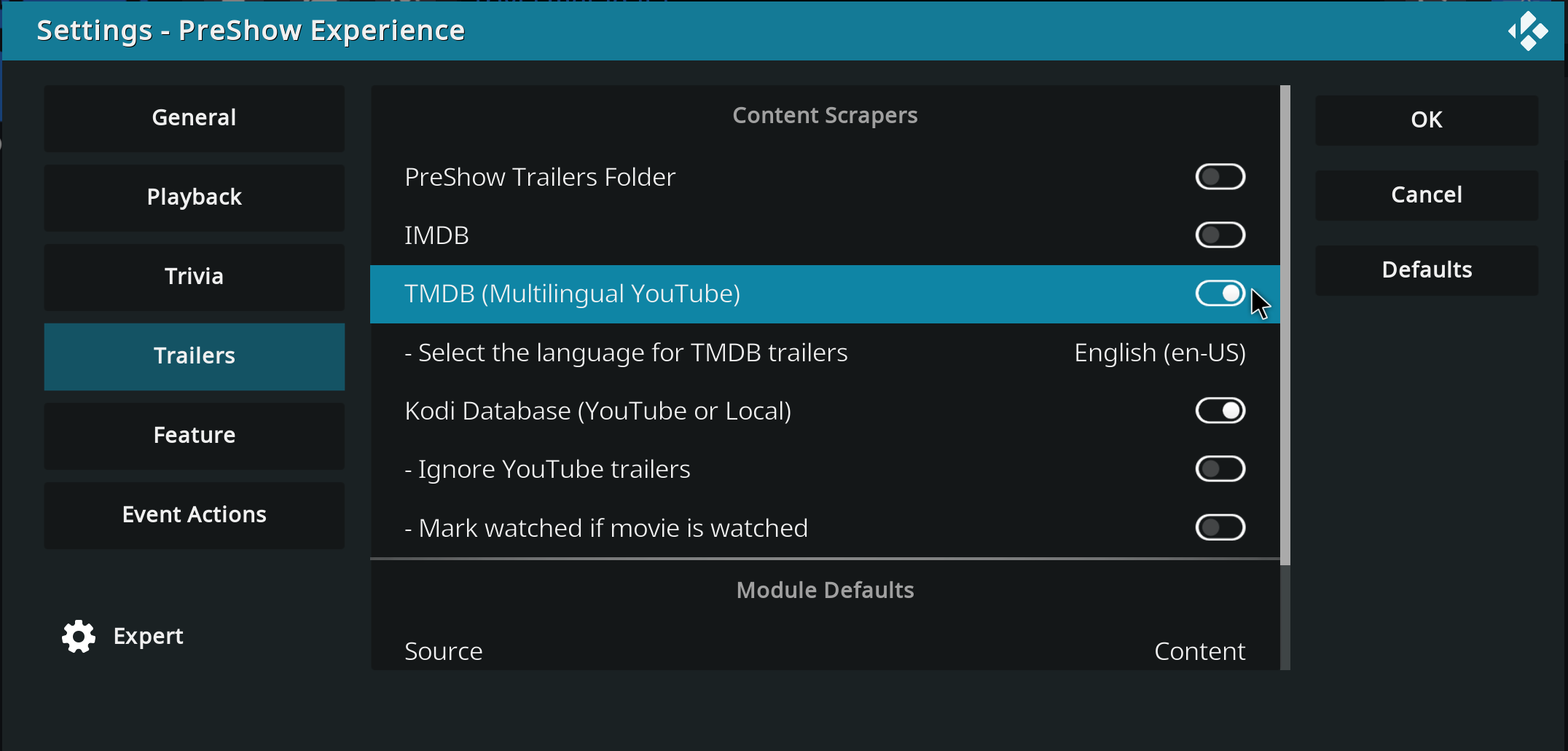
Hello, I hope you're all well... Until yesterday, my trailers in the pre-show were working normally... I have it configured to show trailers for movies I don't own, with the intention of discovering new things. But today it stopped working; it only pulls trailers for movies I have in the database, and if I disable the Kodi database option, it doesn't play any trailers at all, it just stays stuck on a black screen. Does anyone have any idea how I can solve this problem? Thank you in advance.
-
Hey everyone, I wanted to share an updated introduction to something I’ve been building called PosterFlow. PosterFlow started as a personal home theater project. I wanted a cleaner way to manage digital poster screens without constantly juggling folders, images, slideshow tools, display windows, schedules, and manual updates. The goal was to make poster displays feel more like part of a real cinema/preshow setup instead of just a rotating image folder. PosterFlow is a Windows desktop app with an
-
IMAX Countdown - Cameras (Made for IMAX) - 4K DTS-HD 5.0 Mix 4K MKV H.264 DTS-HD 5.0 Soundmix File Information Submitter ToastyMaster07 Submitted 05/26/2026 Category Countdown View File



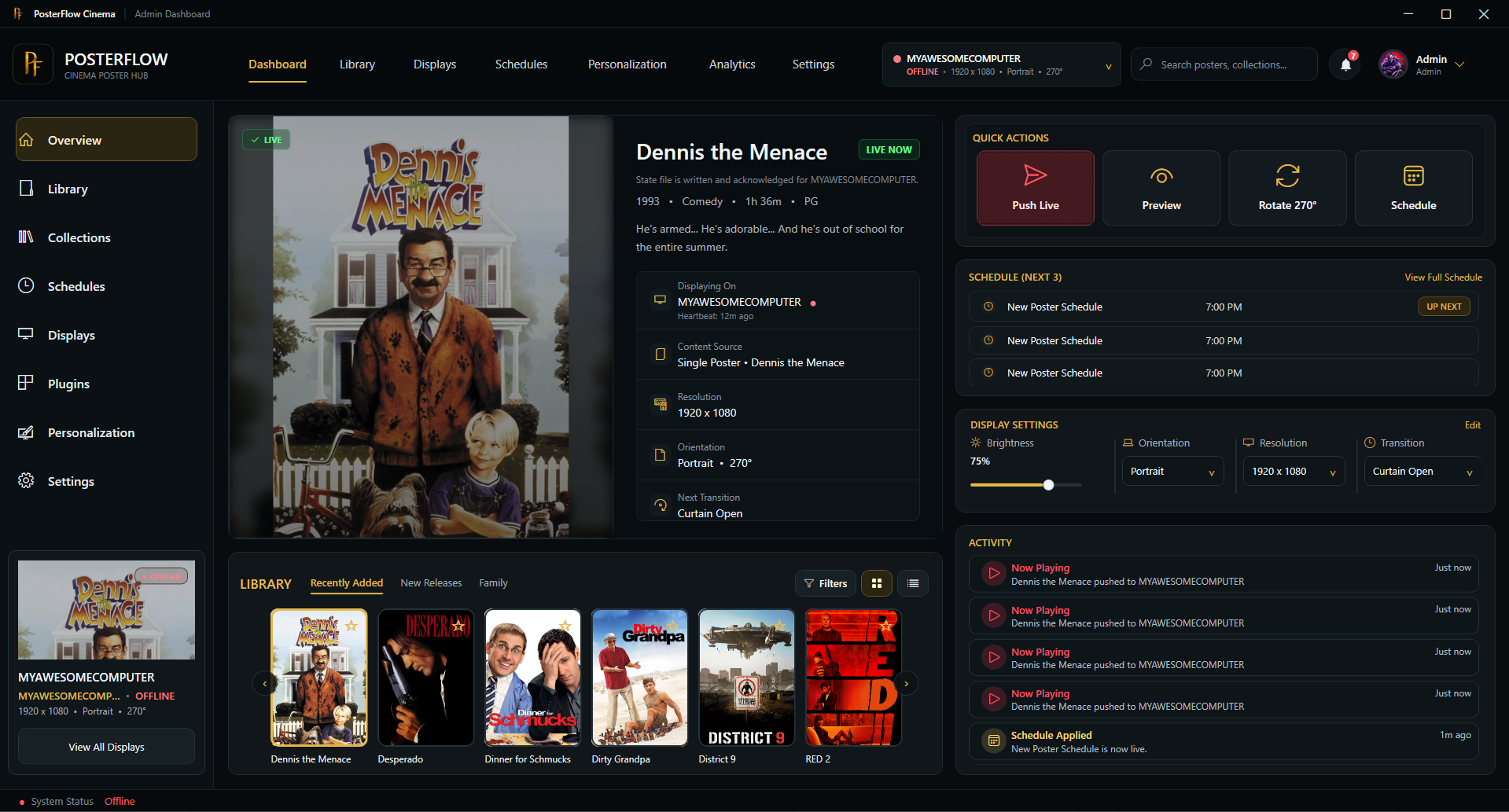


Hey everyone,
I wanted to share an updated introduction to something I’ve been building called PosterFlow.
PosterFlow started as a personal home theater project. I wanted a cleaner way to manage digital poster screens without constantly juggling folders, images, slideshow tools, display windows, schedules, and manual updates. The goal was to make poster displays feel more like part of a real cinema/preshow setup instead of just a rotating image folder.
PosterFlow is a Windows desktop app with an Admin console and display client for managing poster artwork, collections, schedules, and live display output.
Some of the current features include:
Local and network display clients
Poster library scanning and collection management
Push Live workflow for sending the current layout to a display
Per-display personalization
Built-in poster transitions
Scheduling and movie-event support
Optional provider/reference plugin support, including TMDB and FanartTV-style workflows
Metadata plugin support for sources like NFO, Kodi, and Plex
Early access activation and download delivery
The idea is that you can build and manage poster collections from one place, preview how they’ll look, and then push them out to a poster screen, lobby display, or remote display client when you’re ready.
I’ve also adjusted the project so it is presented more as a donation/support-based early access project rather than a traditional “buy this product” sales pitch. I’m mainly hoping to get real feedback from home theater and preshow users who run dedicated poster screens, lobby displays, or multi-monitor cinema setups.
Website:
https://posterflow.net
For anyone from the Preshow Experience community who wants to support the project, I’m considering offering a small supporter promo code as a thank-you. Use code PRESHOW20 if you’d like to support PosterFlow during early access.
I’ll be adding more walkthroughs and setup videos as the project matures, but I wanted to share it here because this community is probably one of the better fits for the kind of setup PosterFlow is meant to support.
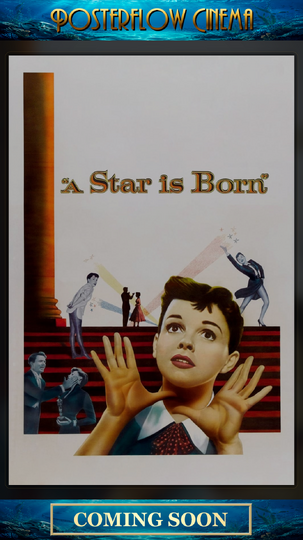
Screenshots attached below.
Thanks for checking it out. Feedback, suggestions, bug reports, and feature ideas are very welcome.
Edited by shredder5262