
Autolaunch default PSE sequence when selecting a movie
- Replies 2
- Views 595
- Created
- Last Reply
Top Posters In This Topic
-
Matt 1 post
-
minisergium 1 post


Popular Days
Most Popular Posts
-
Using the context menu as you are doing is how you have to do it if your skin doesn't have a PreShow button. Some skins have a separate button that launches PreShow and also hides the loading. Here ar
Featured Replies
Topics
-
Hello, I recently updated my Hue Bridge to the Bridge Pro and now the lights won't work with PreShow Experience. This is all due to the Bridge Pro dropping HTTP support in favor of HTTPS with a self signed certificate (uses its' SN as the Common Name in the certificate). Basically anytime you try to access the Bridge Pro's API, it will fail SSL verification. A quick, but insecure, way to fix this would be to turn off SSL verification when making URL calls. Any way to make that an option in
-
All IMDB trailers are broken, including upcoming and classic trailers. I don't know if there is a way to resolve the issue.
-
Hi all, I cannot use the addon for a while. Kodi 21.2 build. The addon starts up but when I try to edit the sequence, the buttons are not visible and I cannot do anything. I tried to import one of my old sequence and it seems like loads in but anything I try to choose there is no buttons after the bottom line. The play button gives me complete black screen and I have to kill kodi and restart it again. I have installed the addon from the repo 0.3.7.a1 on android tv. my content path is in the netw
-
IMAX Enhanced - Bumper (Short) 4K Dolby TrueHD 5.1 File Information Submitter ToastyMaster07 Submitted 06/26/2026 Category Brands View File
-
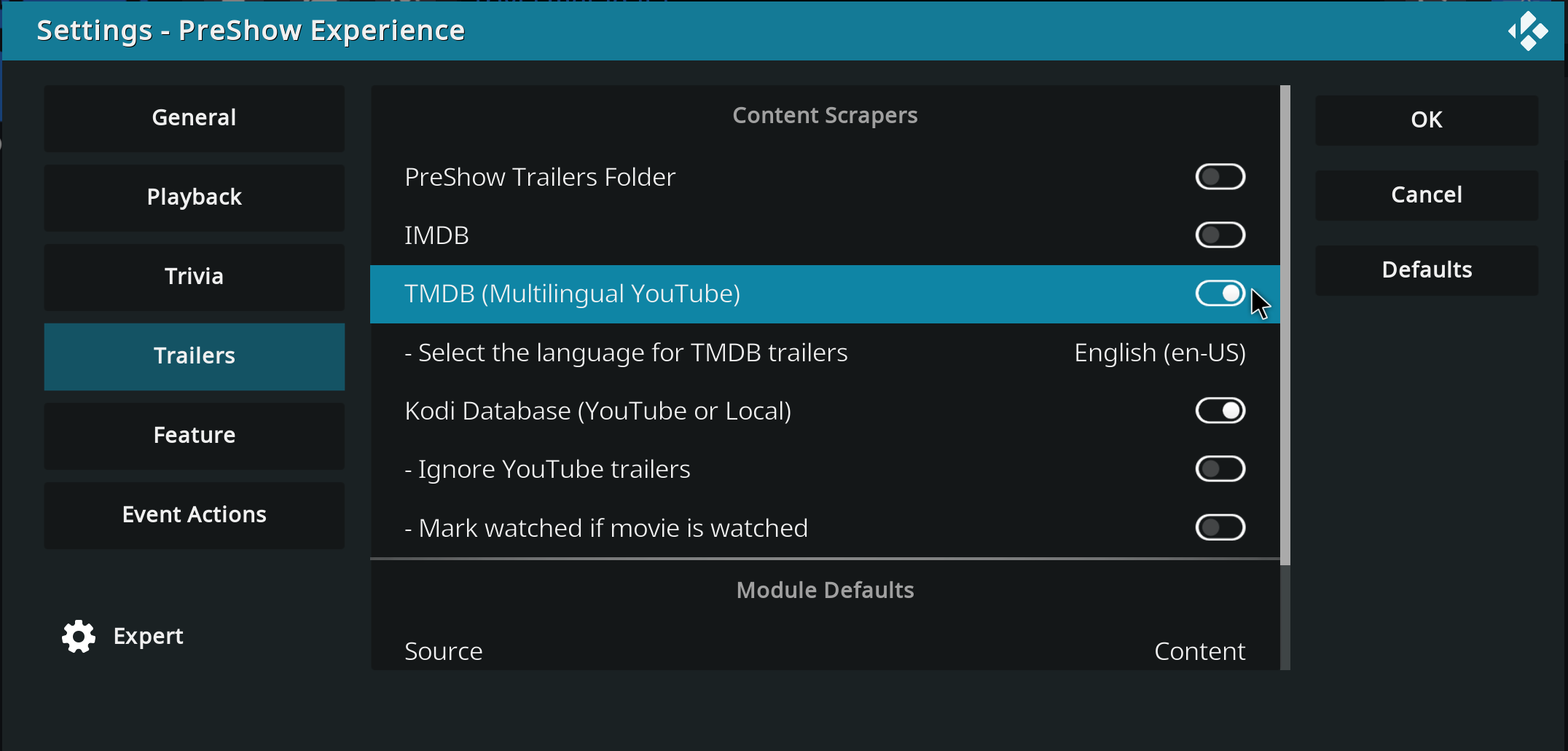
Hello, I hope you're all well... Until yesterday, my trailers in the pre-show were working normally... I have it configured to show trailers for movies I don't own, with the intention of discovering new things. But today it stopped working; it only pulls trailers for movies I have in the database, and if I disable the Kodi database option, it doesn't play any trailers at all, it just stays stuck on a black screen. Does anyone have any idea how I can solve this problem? Thank you in advance.




Hi, sorry if this has been answered before, I've been looking around but no success.
Is there a way to automatically launch the default preshow sequence when selecting a movie in any skin, without having to go through a context menu?
I'm currently using Arctic Zephyr Reloaded and right now I can launch it from the context menu, but I'd like it to be as straightforward as possible.
Thanks.
Edited by minisergium