
Skip to content
View in the app

A better way to browse. Learn more.

PreShow Experience

A full-screen app on your home screen with push notifications, badges and more.

To install this app on iOS and iPadOS
  1. Tap the Share icon in Safari
  2. Scroll the menu and tap Add to Home Screen.
  3. Tap Add in the top-right corner.
To install this app on Android
  1. Tap the 3-dot menu (⋮) in the top-right corner of the browser.
  2. Tap Add to Home screen or Install app.
  3. Confirm by tapping Install.

Dolby TrueHD Audio Format Bumpers 1.0.0

(1 review)

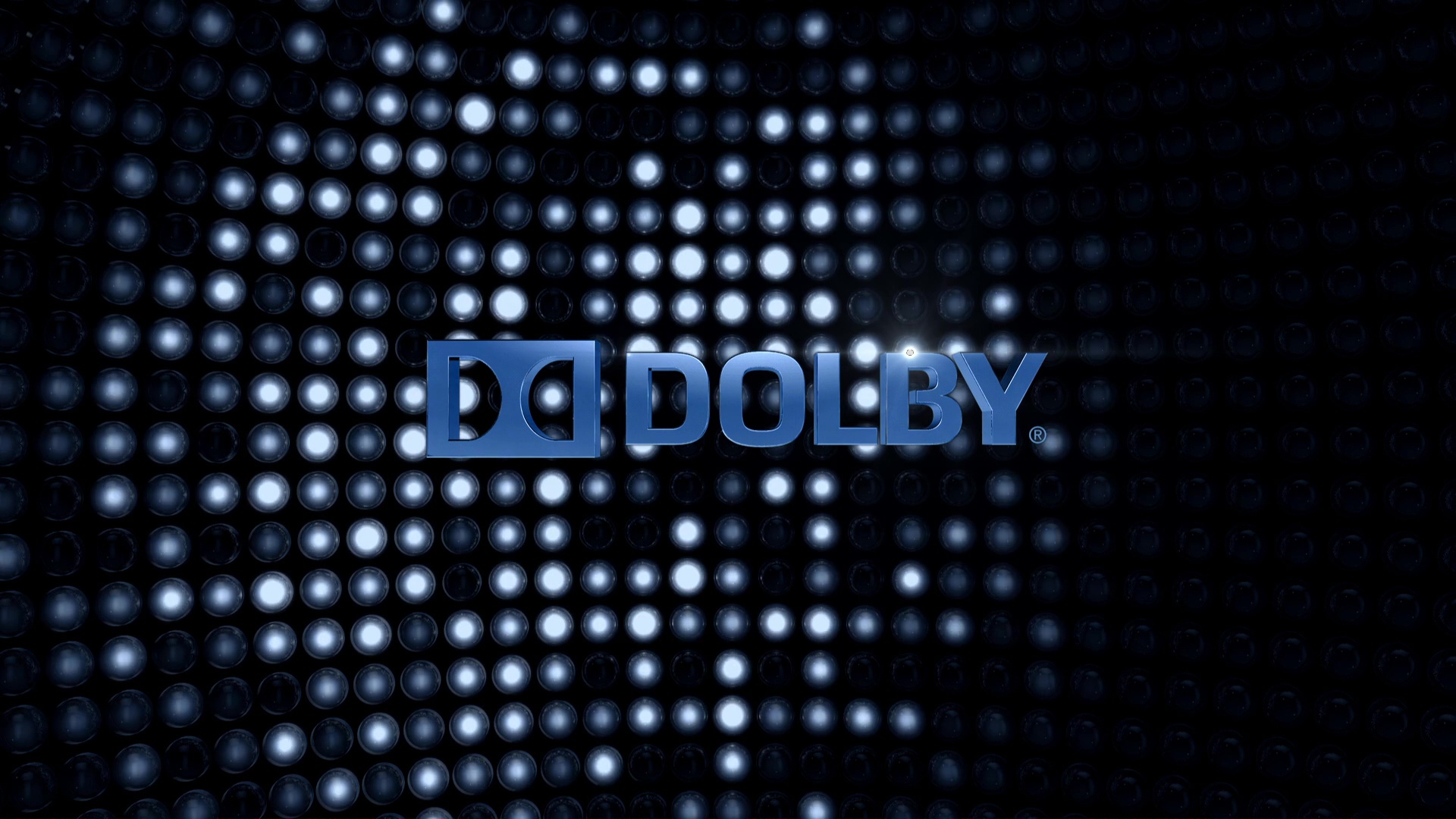
1 Screenshot

The following Dolby TrueHD Audio Format Bumpers are included:

  • Dolby TrueHD - Audiosphere (HD)(DTHD7.1).mkv
  • Dolby TrueHD - Bit Harvest (HD)(DTHD7.1).mkv
  • Dolby TrueHD - Catalyst (HD)(DTHD7.1).mkv
  • Dolby TrueHD - Channel Check (HD)(DTHD7.1).mkv
  • Dolby TrueHD - City Redux (HD)(DTHD7.1).mkv
  • Dolby TrueHD - Countdown (HD)(DTHD7.1).mkv
  • Dolby TrueHD - Countdown 2 (HD)(DTHD7.1).mkv
  • Dolby TrueHD - Spheres (HD)(DTHD7.1).mkv
  • Dolby TrueHD - Spheres 2 (HD)(DTHD7.1).mkv

Files should be placed in the "/Audio Format Bumpers/Dolby TrueHD" directory of your PreShow content folder.

User Feedback

Create an account or sign in to leave a review


Question: Do you have 3D versions of the Dolby Countdown? I'm looking for 3d compatible high quality ones. Both Verson 1 and 2 plus ones with the "Lenses by 3M" mark

Here the image of what im talking about:

Dolby Digital Cinema - Audiovisual Identity Database

Response from the author:

I don't have a 3D version. I took 3D out of PreShow a while back due to lack of new content and players, and haven't tried to get any other 3D bumpers.

Account

Navigation

Search

Search

Configure browser push notifications

Chrome (Android)
  1. Tap the lock icon next to the address bar.
  2. Tap Permissions → Notifications.
  3. Adjust your preference.
Chrome (Desktop)
  1. Click the padlock icon in the address bar.
  2. Select Site settings.
  3. Find Notifications and adjust your preference.